

Streamline Shop Estimates
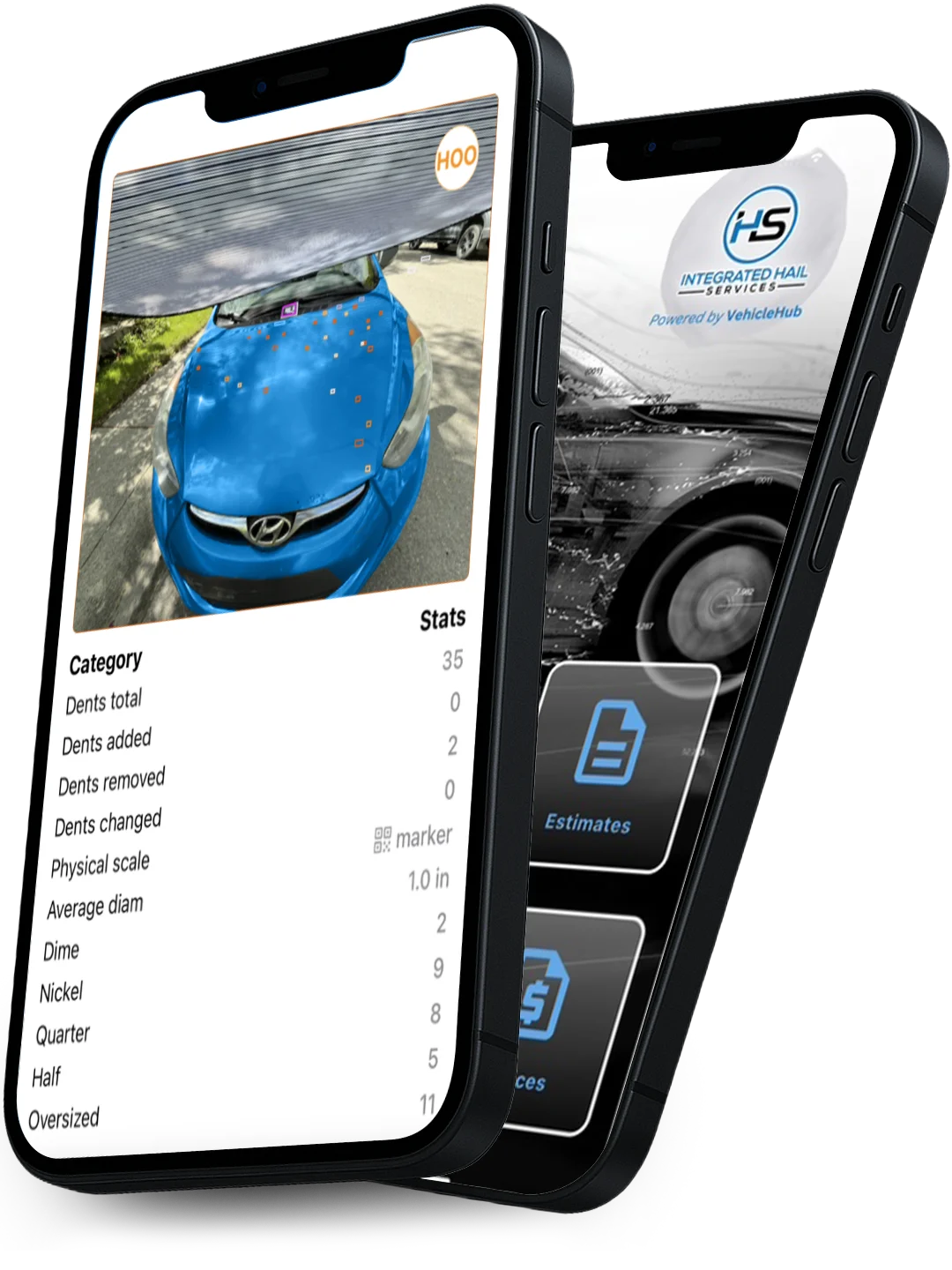
Start scanning hail damage on vehicles using our AI-based app for your smartphone.
Features
Simple Scans
Our easy-to-use app makes the entire estimation process effortless.
Proven Accuracy
Our AI-powered tool is accurate in the 90th percentile
Portable Anywhere
Generate a precise estimate from anywhere, right on your phone.
Advanced Technology
Use the newest, most advanced tool for estimating hail damage.
Professional-Grade Estimates from Your Phone
Scan it. Tag it. Quote it. Our software makes estimating hail damage as easy as taking a photo. Whether you’re in the shop or on the go, you’re in control.
Insurance Approved
Rapid Estimates
No Training Required
AI Analysis
How It Works
1. Schedule a Consultation & Order Your Kits
For our body shop and insurance partners, the process begins with a direct consultation to create a custom program tailored to your unique needs and volume

2. Start the Estimate
The Hail or Dent estimate starts with Vehicle Hub. Once the customer is selected and the estimate is started, you will enter all of the pertinent information about the vehicle, like the Vehicle Identification Number (VIN), Mileage, Color, Owner, and Insurance claim Information, if applicable. All of the pictures of the exterior and interior of the vehicle were taken at this time for future reference.
3. Capturing the Hail Damage
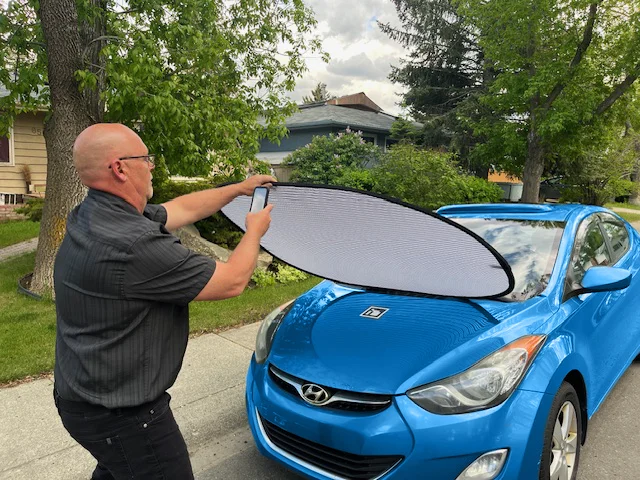
Using Hail Mapping, you will need to find the estimate that Vehicle Hub has already started for you. A quick search of the VIN number in the search bar will help find the estimate. By selecting the damaged panel from the vehicle reference page and using the dent banner and marker, pictures are taken of all hail-damaged panels on the vehicle. Often, more than one picture will be needed for the same panel. After each picture is taken, draw an outline of the area you wish to receive an estimate for. Drawing outlines helps resolve any issues with overlapping dent counts.
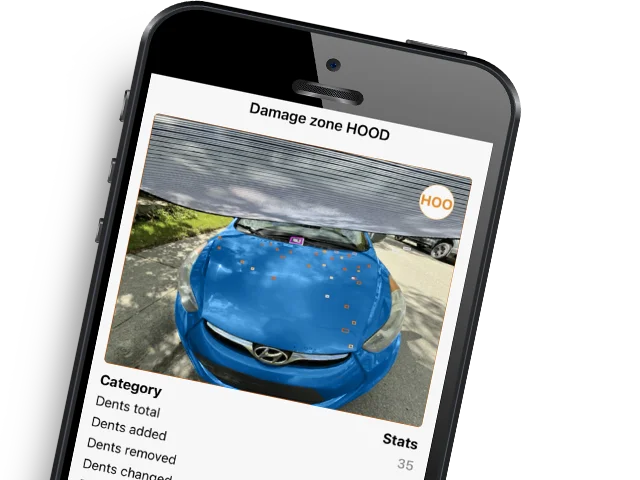
4. Let AI Calculate the Damage
Once the picture is taken, it is analyzed for the number of teeth, size, and location. This information and picture(s) are sent to Vehicle Hub to be downloaded into the estimate. The information is then converted into a cost estimate for repairing the specific panel, and the picture(s) are downloaded to document the damage. At this time, other costs associated with the repair are also entered into Vehicle Hub to finish the estimate for a complete repair.

5. Finalizing the Estimate
Once all the information for a complete estimate is filled in and checked over to ensure nothing is missing, the estimate is emailed to the customer. Each estimate displays separate repair categories in a clear and easy-to-read format. When estimating for an insurance company, a repair plan document is also attached to the estimate, providing a visual reference of the repair.
Equip Your Team to Handle More Volume
Use our portable, AI-powered kit to slash estimation times and process more vehicles daily.
Frequently Asked Questions
Do you have a question about how it works? Here are the questions our customers ask the most.
Does the dent count from each picture of the same panel get added up for a summary?
Each picture taken will display the dent count and dent size. The sum of the dents and their sizes from all pictures taken of a single panel will be displayed as a summary at the bottom.
Can the estimate process be done in the sun light?
Estimating outside should be done in the shade.
Does the estimating software us LiDAR?
The Dent Mapping software does use LiDAR, and this function is only available with iPhone Pro products. A dent marker is needed for non iPhone Pro, and Android Phones. When the dent marker and LiDAR are used at the same time the software evaluates the picture and compares the two references. The software will than choose the best reference
Will the estimate software work on white and light-colored cars?
A dent banner is used to provide a grid on the panel surface for the software to map the dents. The vehicle color does not affect the software function. If the lighting is poor, or the vehicle is in the sun than these conditions will affect the software function no matter what the vehicle color is.
How long does it take to do an estimate?
Using the IHS estimating software, the average estimate requires 30 pictures for dent mapping, with additional photos for Insurance claims. The estimate process on average takes 35 minutes.
Can the estimate be emailed to customers?
When the estimate is complete it can be emailed to the customer. The email contains the estimate of the damage, photos to support the estimated damage, and an easy-to-read summary of cost including taxes.
How many pictures can be taken when doing an estimate?
There is no limit on the number of pictures you can take when doing an estimate as the software is designed to accommodate as many pictures as you feel are needed. The number of pictures taken will affect the total estimate time.
If more than one person is estimating, can all estimates be accessible in one place?
The estimating software is cloud based, and each subscription comes with a back office where all estimates, work orders, and invoices are recorded. Estimates, work orders, invoices and photos are organized for review, editing, and emailing to the customer. This program is accessible from any PC in your organization.
What type of skills are needed to do the estimate?
If you know how to use the camera on your cell phone, you have the skills needed. You may want a friend to help with holding the banner.
Do I need internet to do the estimate?
The IHS hail mapping software does not need internet to create a case. All the pictures needed for the estimate can be taken and when you have internet again, the pictures and hail mapping can be uploaded to the estimate software for completion and emailing to the customer.
How versatile is the estimating software?
The estimating with IHS software can be done indoors or outside. All necessary equipment to preform an estimate can be carried in your two hands. It is that easy.
What equipment do you need to do an estimate?
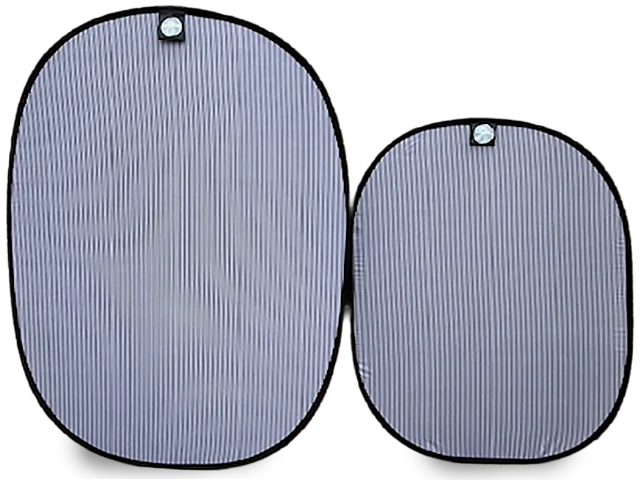
To estimate a vehicle, you will need the IHS software along with a cell phone, iPad or tablet, dent banner, dent marker, and a space with good lighting.